Why PWA Over Native Apps
bbbudget started as a web app — Next.js on the frontend, Convex on the backend. The question of whether to ship native iOS and Android apps came up early. I decided against it, and I'd make the same call again.
The core reason is friction. My wife and I both needed bbbudget on our phones. Any distribution mechanism that complicated getting it onto a second device was friction I didn't want.
The other reason is maintenance. A native app means a separate codebase — or React Native, which has its own tradeoffs. It means paying $99/year for an Apple developer account to ship to my own phone. It means waiting for App Store review every time I push a bug fix. For a product I build in spare time, that overhead doesn't make sense.
A PWA is the natural extension of what bbbudget already is: a web app that you can add to your home screen and use like a native app. One codebase. No review cycle. Updates ship the moment someone loads the page.
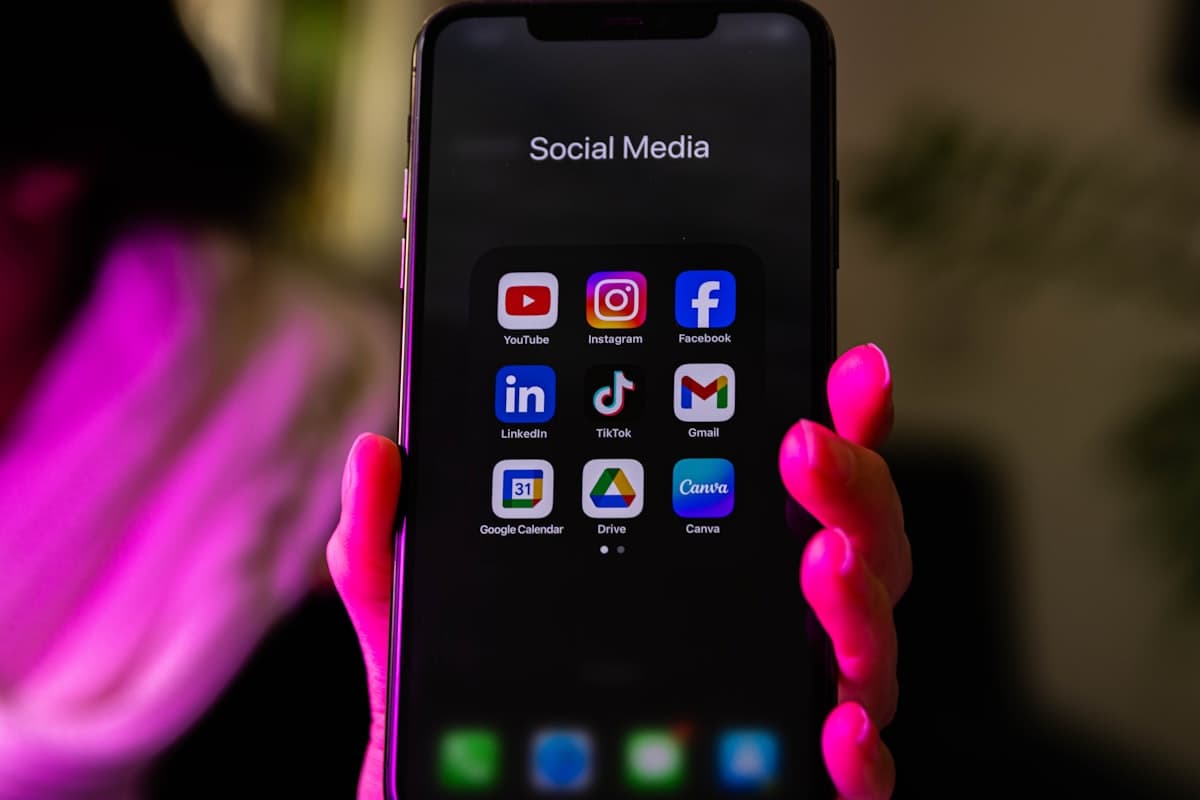
The PWA experience on Android and iOS isn't identical to a native app. The gaps have narrowed over the years, but they're real. Knowing where they are — and building around them — is what the rest of this post covers.
Migrating from next-pwa to Serwist
When I started bbbudget, next-pwa was the default recommendation for adding PWA support to a Next.js project. By late 2024 it was effectively unmaintained. The active fork, @ducanh2912/next-pwa, filled the gap for a while.
By 2025, the answer had shifted to Serwist — an actively maintained Workbox wrapper with first-class support for the Next.js App Router. The official Next.js PWA documentation now points there.
Migration is straightforward. You drop the old plugin, add Serwist, and write a service worker file that Serwist compiles into your build:
// next.config.ts
import withSerwistInit from "@serwist/next";

const withSerwist = withSerwistInit({
  swSrc: "app/sw.ts",
  swDest: "public/sw.js",
});

export default withSerwist({
  // your existing Next.js config
});
The difference from next-pwa is that you write the service worker explicitly rather than letting the plugin auto-generate one. That's more verbose, but it forces you to think through your caching strategy — which you should be doing deliberately anyway.
Serwist generates the precache manifest automatically from your Next.js build output, so your static assets are precached without listing them manually. The self.__SW_MANIFEST variable is injected at build time and includes everything Next.js bundles into /_next/static.
How the Install Prompt Actually Works
On Android, Chrome shows an install banner automatically when your PWA meets the installability criteria. You can also capture the beforeinstallprompt event to show a custom install button at the right moment.
The installability checklist: a valid web app manifest with name, icons (at minimum 192×192 and 512×512 PNG), display set to standalone, start_url, a registered service worker, and HTTPS. If any of these are missing, Chrome won't offer installation.
Debugging why the prompt isn't appearing is where most people get stuck. Chrome DevTools → Application → Manifest has an installability section that tells you exactly what criterion is failing. I spent two hours discovering a malformed icon path before I looked there.
Once everything is wired up, capturing the event for a custom install button is straightforward:
const [installPrompt, setInstallPrompt] =
  useState<BeforeInstallPromptEvent | null>(null);

useEffect(() => {
  const handler = (e: Event) => {
    e.preventDefault();
    setInstallPrompt(e as BeforeInstallPromptEvent);
  };
  window.addEventListener("beforeinstallprompt", handler);
  return () => window.removeEventListener("beforeinstallprompt", handler);
}, []);

// in your install button handler:
// await installPrompt.prompt();
Store the event, then call installPrompt.prompt() when the user clicks your button. You get one shot — after the user responds, the event is consumed.
iOS: The 'Add to Home Screen' Problem
iOS is a different story. beforeinstallprompt doesn't exist in Safari. There's no programmatic install prompt. The only path to installing a PWA on iPhone or iPad is through Safari's share sheet: tap the share icon, scroll down to "Add to Home Screen," confirm.
Most iPhone users don't know this mechanism exists. I tested this by demo-ing bbbudget with a few friends. Android users got the browser prompt and installed in about 10 seconds. iPhone users looked at me blankly when I said "open the share menu."
My fix: a custom modal that detects the environment and walks users through it step by step.
const isIOS =
  /iphone|ipad|ipod/i.test(navigator.userAgent.toLowerCase());
const isInStandaloneMode =
  window.matchMedia("(display-mode: standalone)").matches ||
  ("standalone" in navigator && (navigator as any).standalone);

if (isIOS && !isInStandaloneMode) {
  // show the install guide modal
}

The modal shows an annotated screenshot of the Safari share button and a two-step description. It's not elegant, but install rates on iOS went up noticeably after I added it.
One important blind spot: users opening bbbudget in Chrome on iOS won't see the modal — but they also can't install the PWA from Chrome on iOS. Apple restricts the install mechanism to Safari. The detection handles this correctly (no false positive), but those users need to switch to Safari first, which is another step worth calling out in the modal explicitly.
Push notifications have a similar wrinkle. iOS 16.4 added Web Push support for installed PWAs — but only for installed PWAs. The install-first requirement makes push harder to explain than on native apps, which is why I haven't leaned heavily on it yet.
What to Cache When Your Data Is Real-Time
My biggest concern going into PWA development was cache coherence. bbbudget's data layer is Convex — a reactive database where the frontend subscribes to queries and receives pushed updates over WebSocket. A service worker that aggressively cached responses could serve stale budget data.
The answer is simple: don't cache Convex at all.
Convex communicates over a persistent WebSocket connection, not standard HTTP requests. The service worker's fetch event never fires for WebSocket frames. Your Convex subscriptions are completely invisible to the service worker.
Here's my actual service worker setup:
// app/sw.ts
import { defaultCache } from "@serwist/next/worker";
import { Serwist } from "serwist";

const serwist = new Serwist({
  precacheEntries: self.__SW_MANIFEST,
  skipWaiting: true,
  clientsClaim: true,
  runtimeCaching: [
    {
      matcher: /^https:\/\/fonts\.(googleapis|gstatic)\.com/,
      handler: "CacheFirst",
      options: {
        cacheName: "google-fonts",
        expiration: { maxAgeSeconds: 60 * 60 * 24 * 30 },
      },
    },
    ...defaultCache,
  ],
});

serwist.addEventListeners();
defaultCache covers Next.js static assets. Fonts get a month-long CacheFirst cache. Everything else defaults to NetworkFirst.
The practical result: the app shell loads from the service worker cache immediately, then Convex's client reconnects over WebSocket and pushes fresh data within a second. No stale numbers. The cache makes the skeleton appear fast; Convex fills in the actual content once the socket is live.
Does It Actually Matter? Real Usage
After shipping the install prompt and iOS guide, I added a simple check to track how many active users were running in standalone mode:
const isInstalled =
  window.matchMedia("(display-mode: standalone)").matches;
Roughly 40–50% of mobile users have bbbudget installed as a PWA rather than opened from a browser tab. That number surprised me — I expected it to be much lower.
The more interesting signal is engagement. Installed users check their spending more often. A home screen icon creates a different habit than a website you navigate to. For a budgeting app where the whole value comes from regular spending awareness, that behavioral difference matters more than the raw install rate.

The couples use case amplifies this. When both people in a household have bbbudget on their home screens, checking the budget becomes a quick glance rather than a coordination exercise. We're both looking at the same live Convex data from our own phones, without having to ask each other "did you check the budget?" That's exactly what I built this for, and the PWA delivery mechanism is what makes it frictionless.
Would I Do It Again?
Yes, easily. The PWA path was the right call for bbbudget, and I'd make the same decision for any Next.js product where mobile access is important but you're not ready to maintain a separate native codebase.
The real tradeoffs to know going in:
- iOS installation requires user education. Not a dealbreaker, but you need to actively explain the mechanism. A custom install guide is table stakes.
beforeinstallpromptis Chrome on Android only. Test Safari, Firefox, and other browsers separately — each handles installation differently.- Push notifications on iOS require installation first. Great for committed users; not useful for re-engagement of casual visitors.
None of these are blockers. One codebase. No app store review cycle. Bug fixes ship the moment users refresh. For a solo founder building in spare time, that tradeoff is not a close call.
If you're building a Next.js app with a mobile use case, the path to installable is shorter than it was two years ago. Serwist handles the service worker complexity, the manifest setup takes an afternoon, and the iOS friction — once you know it exists — has a workable solution.
If you want to see the install experience in practice, bbbudget is at bbbudget.com.
Frequently Asked Questions
What is the difference between next-pwa and Serwist?
next-pwa (and its fork @ducanh2912/next-pwa) wrapped Workbox and auto-generated a service worker. Serwist is the actively maintained successor — it requires an explicit service worker file, giving you full control over caching. The Next.js official PWA docs point to Serwist as of 2025.
Does a Next.js PWA work on iOS?
Yes, with caveats. The app runs in Safari on iPhone and iPad. The install mechanism is different — users tap the share button and choose 'Add to Home Screen' instead of getting an automatic prompt. iOS 16.4 and later support Web Push notifications for installed PWAs.
How do you handle caching Convex data in a service worker?
You don't. Convex uses WebSockets, not standard HTTP requests, so the service worker's fetch event never fires for Convex queries. Cache the app shell and static assets. Let Convex's client library handle reconnects and data freshness over the socket.
What manifest fields are required for the Android install prompt?
Chrome requires: name, icons (at least 192×192 and 512×512 PNG), display set to standalone or fullscreen, start_url, and a registered service worker. Use Chrome DevTools → Application → Manifest to see which criterion is failing if the prompt does not appear.
Can a PWA send push notifications on iPhone?
Yes, as of iOS 16.4, Safari supports Web Push for installed PWAs. The catch: the user must have installed the PWA via Add to Home Screen before you can request notification permission. This two-step requirement makes PWA push harder to roll out than native app notifications.
Ready to try simpler budgeting?
Try bbbudget Free